
Your audio stays on your iPhone
NotizPro has no account and no servers that hold your notes. Speech, translation and AI run on the phone. Here is exactly where your data can go, and when.
Everything happens inside the blue box
Audio can only leave through the export door below, and only when you open it. The iCloud doors carry the text of your notes, never the audio.
Who handles your data
| Who | What | When |
|---|---|---|
| Apple | On-device speech, translation and Apple Intelligence. App Store purchases and subscriptions. | Always; purchases only if you buy Pro |
| Your iCloud | The text of notes, summaries and tasks you sync or share. Not the audio. | Only with Pro sync or share links |
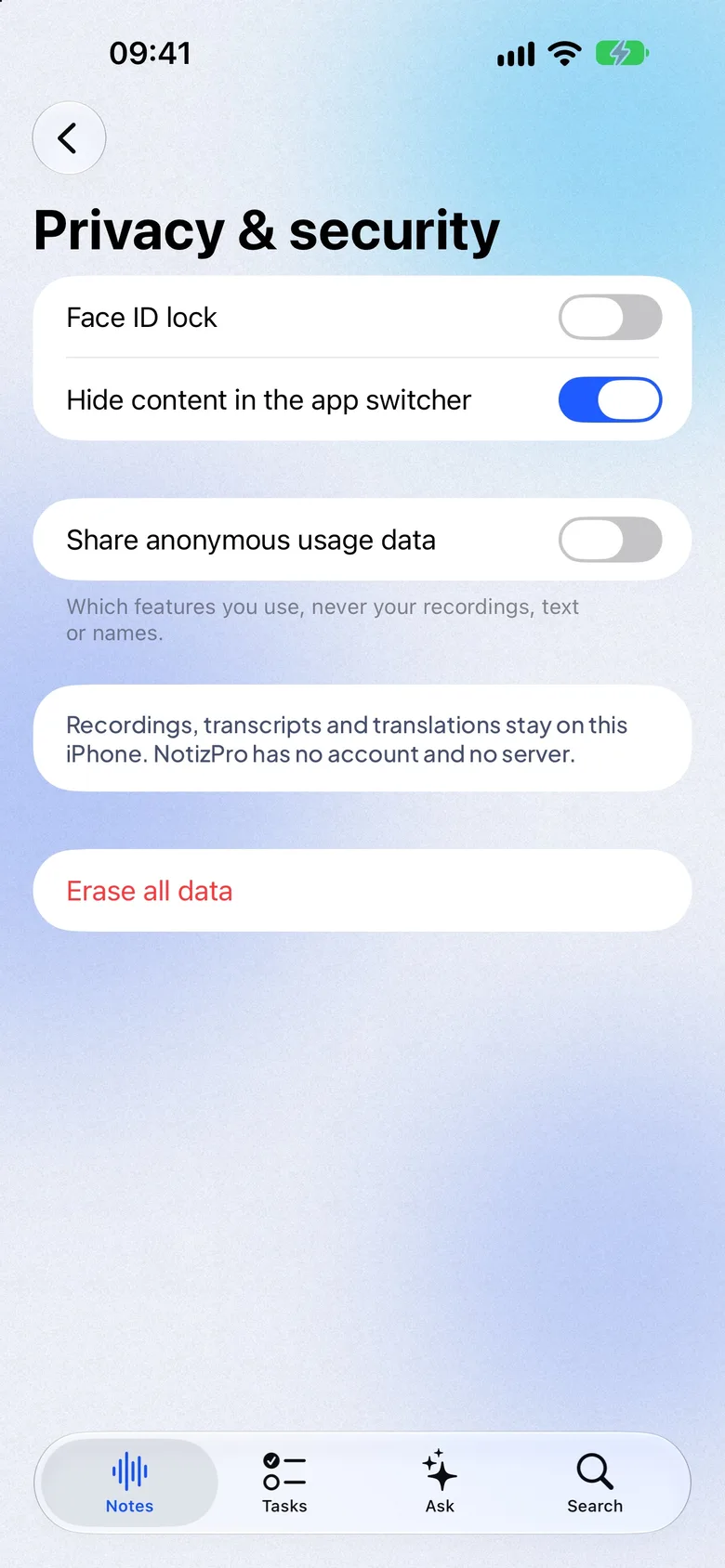
| PostHog (US) | Anonymous usage: which features are used. Never recordings, text or names. | On by default; one switch turns it off |
| NotizPro team | Nothing, unless you email us and attach something. | When you contact support |
NotizPro has no servers of its own.
You stay in control
Privacy questions
Can NotizPro staff listen to my recordings?
No. Recordings never reach us. Audio stays on your iPhone; with Pro sync the text is in your own iCloud.
Is my audio used to train AI?
No. The AI runs on your iPhone and nothing you record is sent to train a model.
What if I lose my iPhone?
With Pro iCloud sync, the text of your notes, summaries and tasks is in your iCloud. Audio lives only on the iPhone that recorded it, so export recordings you need to keep.
Do I need permission to record people?
Ask everyone before you record them. NotizPro reminds you before the first recording.