
Read every meeting in your language
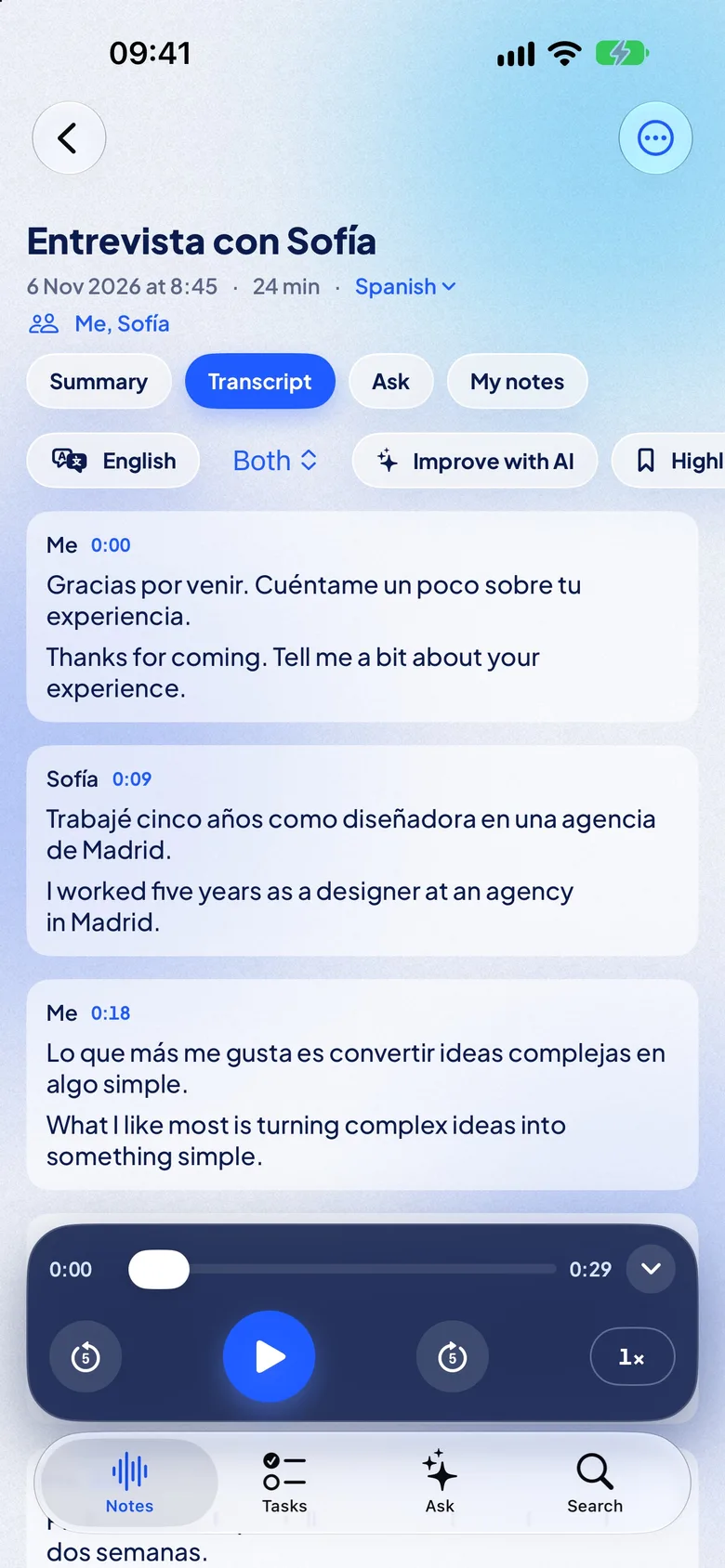
A meeting in English, and you read it in Russian. A lecture in German, and you read it in Ukrainian. Each sentence appears translated about two seconds after it is spoken, and the note keeps both languages.
How it works
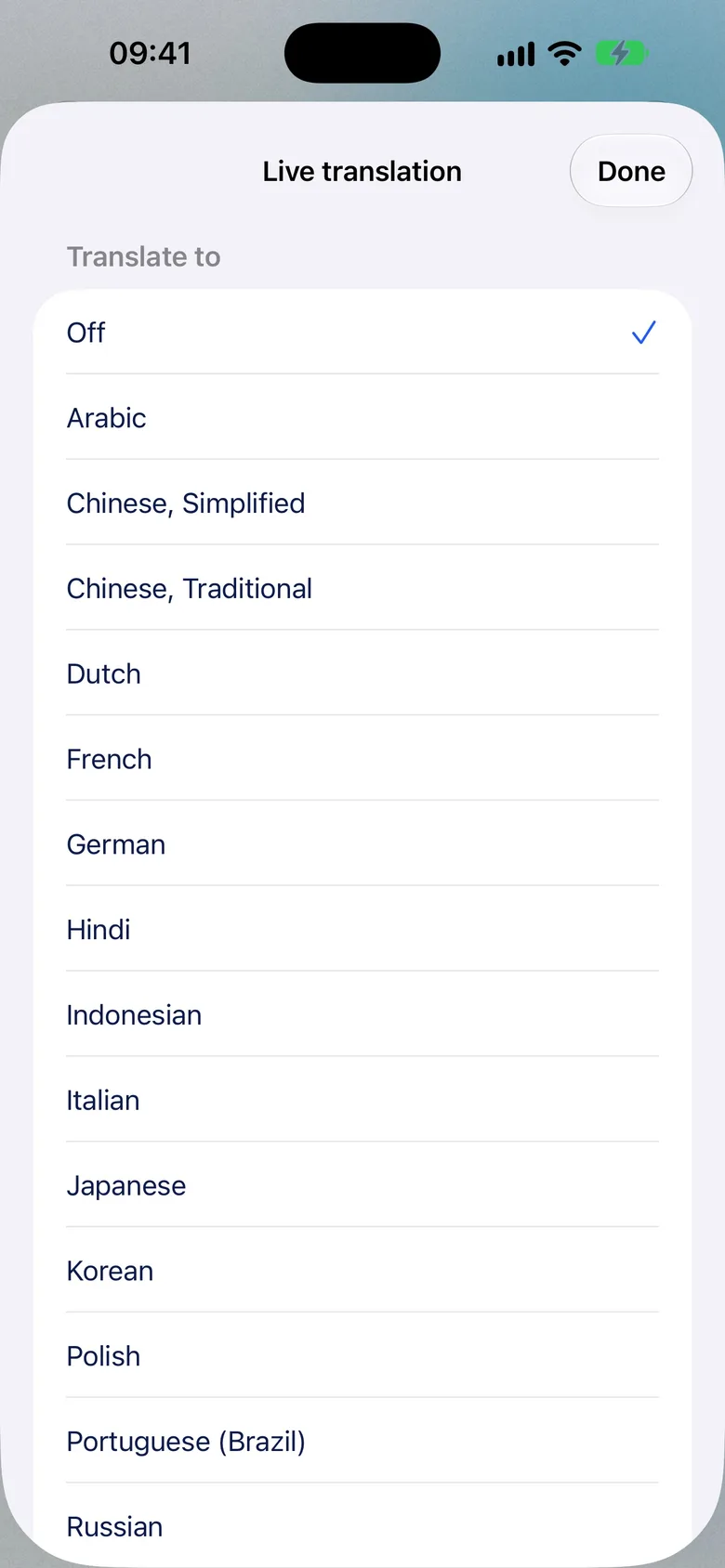
Tap Translate, pick your language
On the recording screen. The first time, iOS downloads the language for offline use.
Read along as they speak
The original stays small above. Your language is big and easy to follow.
Keep both languages
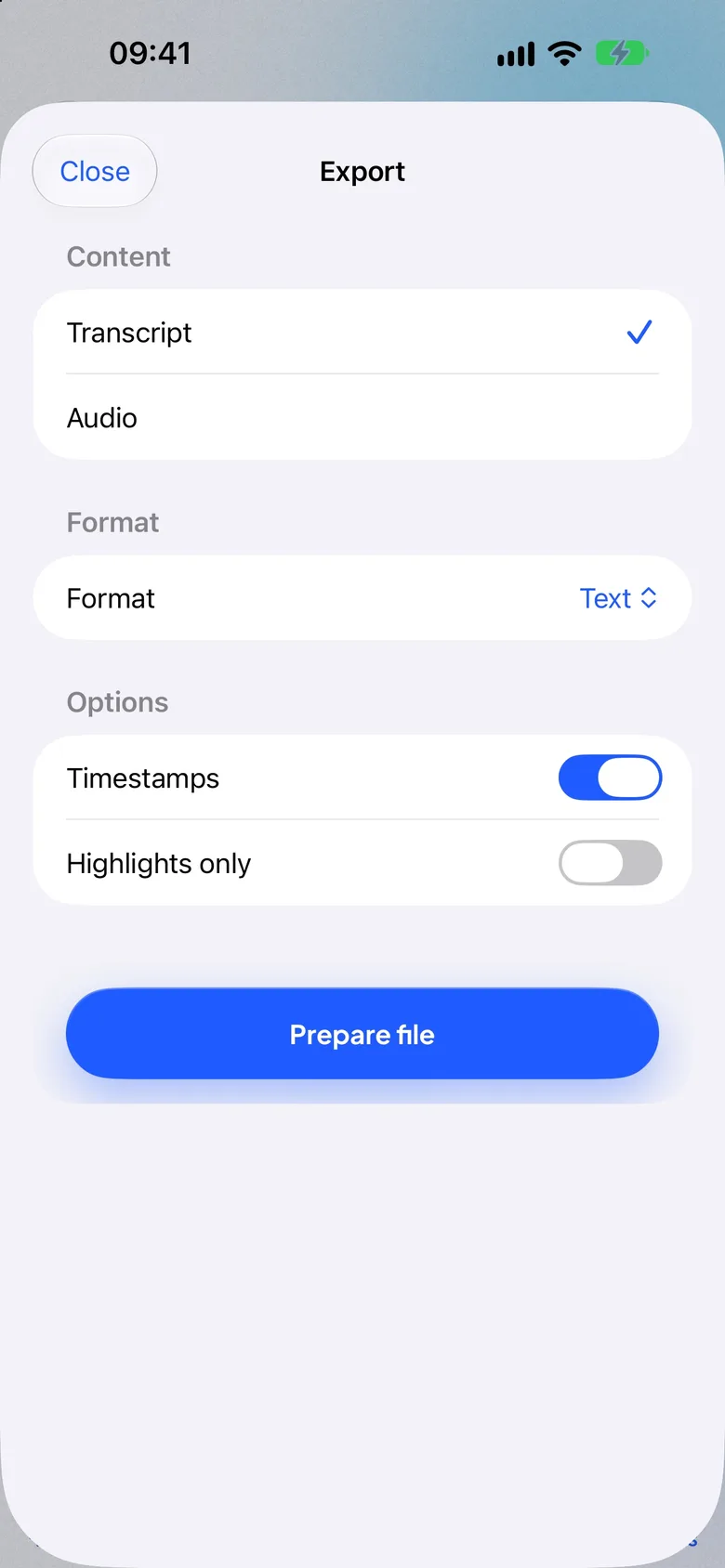
Switch between them in the note, search in both, export bilingual text or subtitles.
Read it the way that suits the room
Try them here. Text size is adjustable too, for reading across a table.
One note, two languages
The note keeps the original and the translation, sentence by sentence, with the audio and its times.
- Switch between the original and your language with one tap.
- Search finds a word in either language and jumps to that second.
- Export bilingual text, Markdown or PDF, or subtitles (SRT, VTT) in both languages.
- Share by AirDrop, Messages, Mail or Save to Files. Export is free for everyone.
“Don’t save” mode
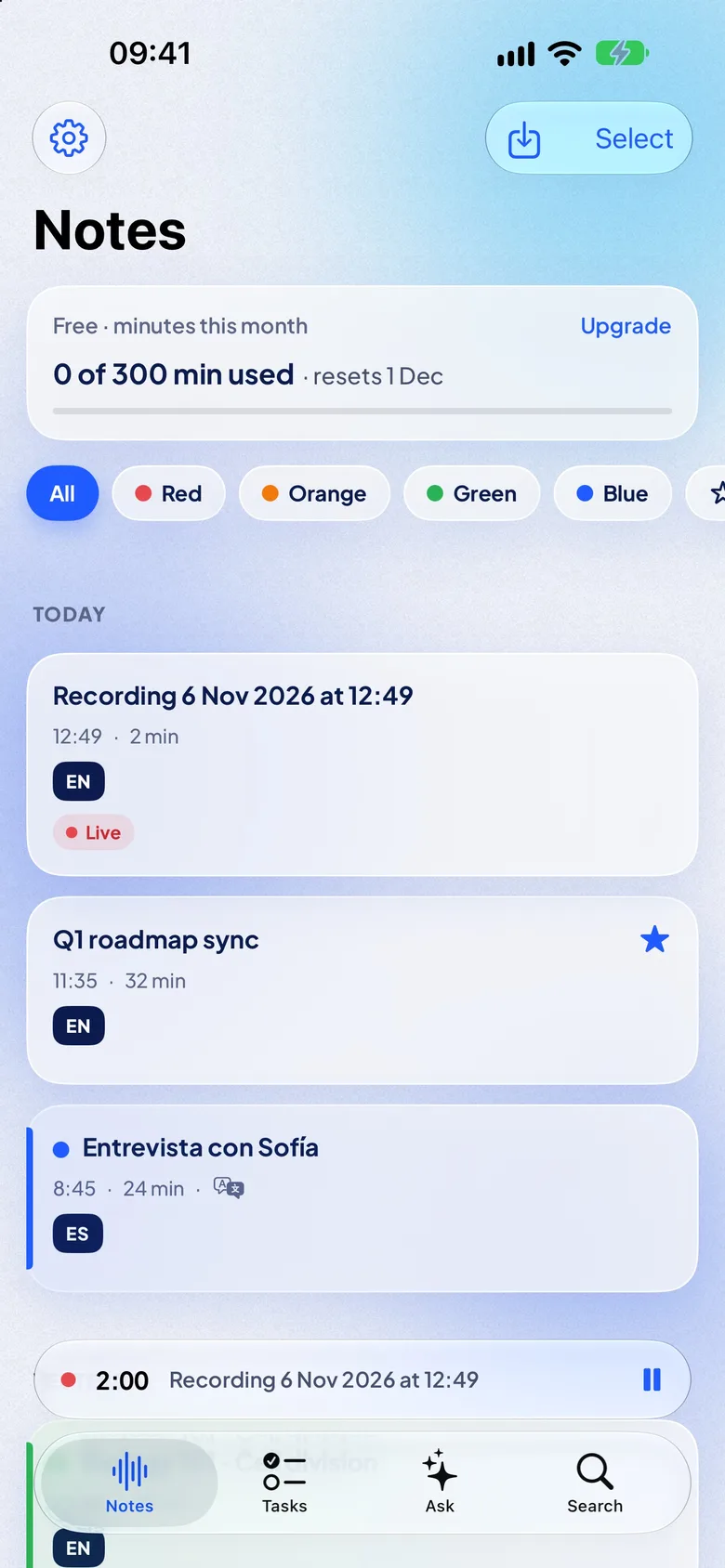
Follow a meeting live without keeping the audio: touch and hold Record and choose “Don’t save audio”. At the end you choose: keep the text, or discard everything. Free for everyone.
Free and Pro
Spoken in one language, read in yours
NotizPro transcribes the meeting in its language and shows it in yours. A few pairs people use:
- EnglishRussian
- GermanUkrainian
- JapaneseEnglish
- EnglishSpanish
- GermanTurkish
- EnglishSimplified Chinese
Translate into 20 languages
Apple’s on-device translation. If a pair is not available, NotizPro tells you before you start.
Turn on “Read translation aloud” to hear each translated sentence, for example in your AirPods.
What you need
Any iPhone 11 or newer with iOS 26, iPhone SE (2nd generation) and later. No Apple Intelligence needed.The spoken language must be one NotizPro transcribes, except Swedish, Finnish and Malay, which Apple’s translation does not cover yet.A one-time download of each language from iOS, on Wi-Fi. After that it works offline.NotizPro Pro for translation while you record. Every plan starts with 7 days free.Questions about live translation
Which languages can I translate into?
Twenty: Arabic, Chinese (Simplified and Traditional), Dutch, English, French, German, Hindi, Indonesian, Italian, Japanese, Korean, Polish, Portuguese, Russian, Spanish, Thai, Turkish, Ukrainian and Vietnamese.
Which spoken languages can it translate from?
Eighteen of the 21 NotizPro transcribes: English, German, French, Spanish, Italian, Portuguese, Dutch, Polish, Ukrainian, Russian, Turkish, Japanese, Korean, Chinese (Mandarin), Cantonese, Indonesian, Thai and Vietnamese. Apple’s translation does not cover Swedish, Finnish and Malay yet.
Does live translation need the internet?
Only once, to download the language. After that it works offline, on the iPhone.
Which iPhones does it work on?
Any iPhone 11 or newer with iOS 26, and iPhone SE (2nd generation) and later. It does not need Apple Intelligence.
Does live translation work on iPhone 13 or iPhone 14?
Yes, in NotizPro. Apple’s own Live Translation in Messages, Phone, FaceTime and AirPods needs an iPhone with Apple Intelligence, so iPhone 15 Pro and newer. NotizPro’s live translation uses Apple’s on-device translation without Apple Intelligence, so it works on iPhone 13, iPhone 14 and every iPhone 11 or newer with iOS 26.
How fast is it?
Each sentence appears translated about two seconds after it is spoken.
Can I export both languages?
Yes. Export bilingual text, Markdown, PDF or subtitles (SRT, VTT) with the share sheet. Export is free.
Can I try it for free?
Yes. Every Pro plan starts with 7 days free. Translating a finished note is free for everyone.