Does my audio leave my iPhone?
Short answer
Short answer
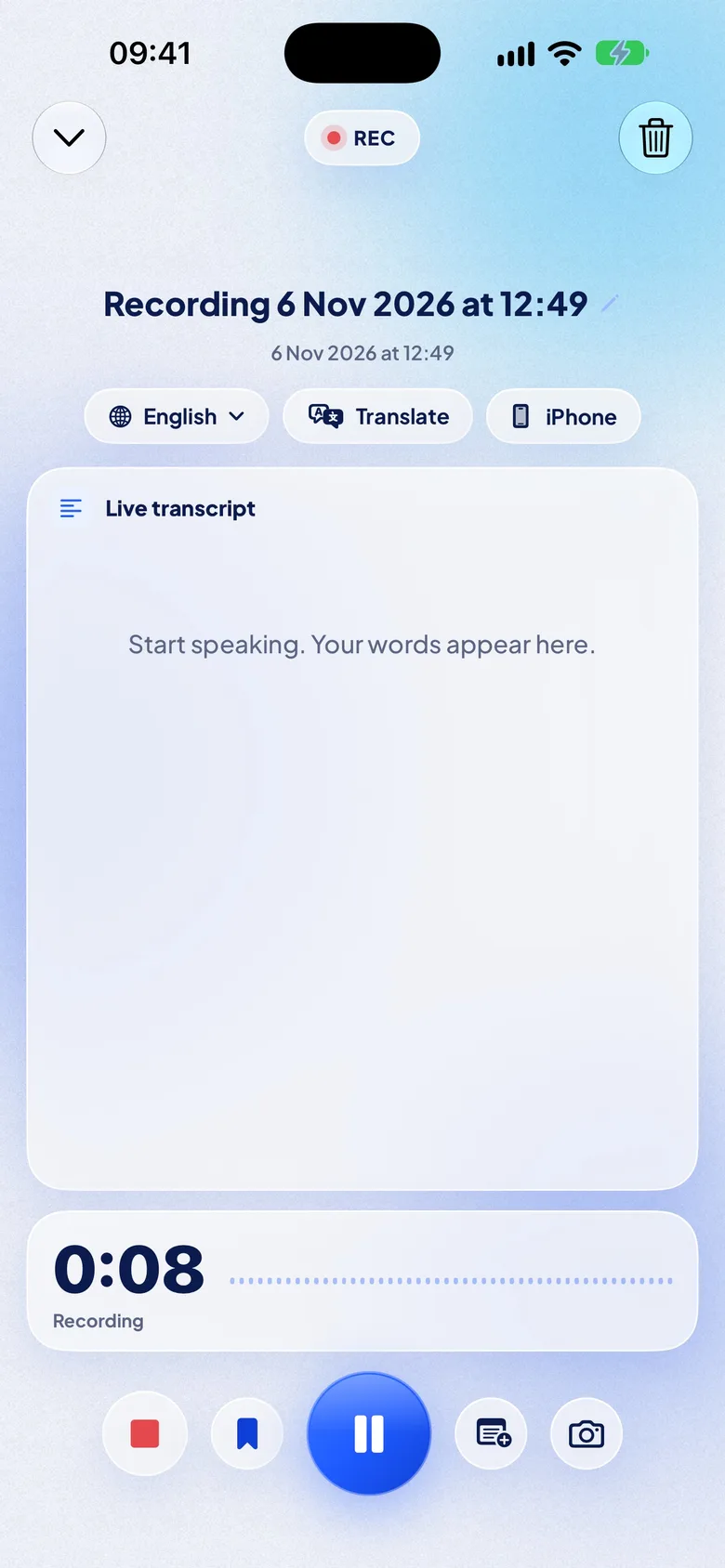
No, not unless you choose. Recording, transcription, translation and AI all happen on the iPhone. Audio leaves it only when you export it yourself. Pro iCloud sync and iCloud share links carry the text of a note, never its audio.
No NotizPro server
No NotizPro server
What runs on the phone
1
Speech to textApple’s speech recognition, or a speech model downloaded once for some languages.
2
TranslationApple’s on-device translation, offline after a one-time download.
3
AI summaries and answersApple Intelligence or the AI pack, on the phone.
4
StorageNotes and audio in the app. About 29 MB per hour of audio.
The only three ways out, all opened by you
Off by defaultPro iCloud syncThe text of your notes, summaries and tasks goes to your own iCloud account so it appears on your other iPhones. Audio stays on the iPhone that recorded it. We cannot read it.
You send itiCloud share linkOne note, to people you choose, as view or edit. Stop sharing at any time.
You chooseExportText, PDF, subtitles or the audio file, by AirDrop, Messages, Mail or Files.
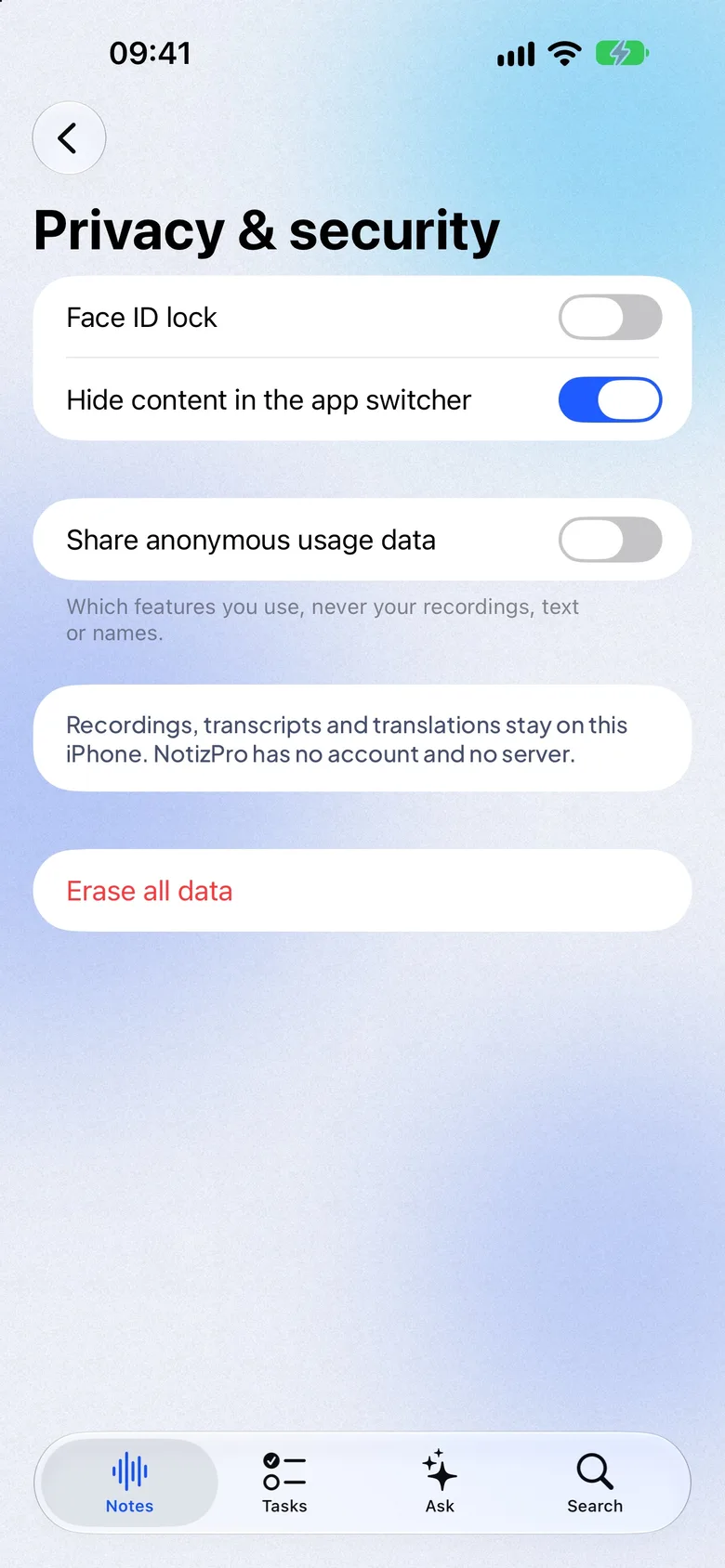
Settings → Privacy & security
Lock it, hide it, erase it
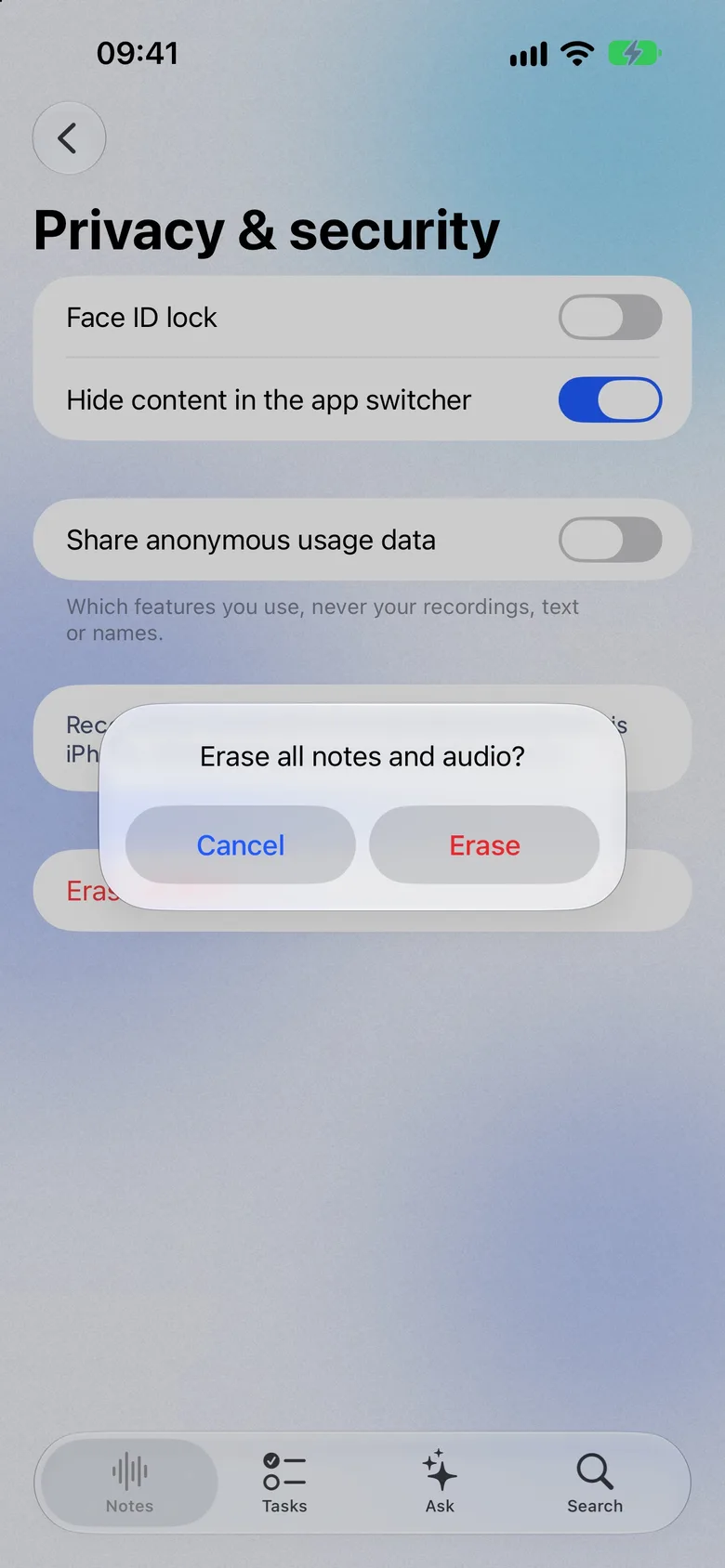
Face ID lock, hidden previews in the app switcher (on by default), a switch for anonymous usage data (sent to PostHog in the US, never content), and Erase all data, which removes every note and recording from this iPhone.