
How do the 300 free minutes and the 30-minute limit work?
Short answer
Short answer
Free gives you 300 minutes of recording and transcription every calendar month. One recording can run 30 minutes; then it is saved and you can continue as Part 2. Pro removes both limits.
Every month
300 minutes, back on the 1st
The counter on the Notes screen shows what is left. A banner appears when you pass 240 minutes, and a notice when about 60 are left.
Minutes not used do not carry over. Imports count too, up to 30 minutes per file.
October184 of 300 min
1 OctBanner at 240Resets 1 Nov
One long recording on Free
You always know what is coming
0:00 Start
25:00 Banner“5 minutes left in this recording”A banner on the recording screen and on the Lock Screen.
29:00 CountdownA countdown and a tapThe iPhone taps once and the timer counts down the last minute.
30:00 SavedSaved. Continue as Part 2One tap starts Part 2 at once. Both parts stay together as one conversation.
25:00“5 minutes left in this recording”A banner on the recording screen and on the Lock Screen.
29:00A countdown and a tapThe iPhone taps once and the timer counts down the last minute.
30:00Saved. Continue as Part 2One tap starts Part 2 at once. Both parts stay together as one conversation.
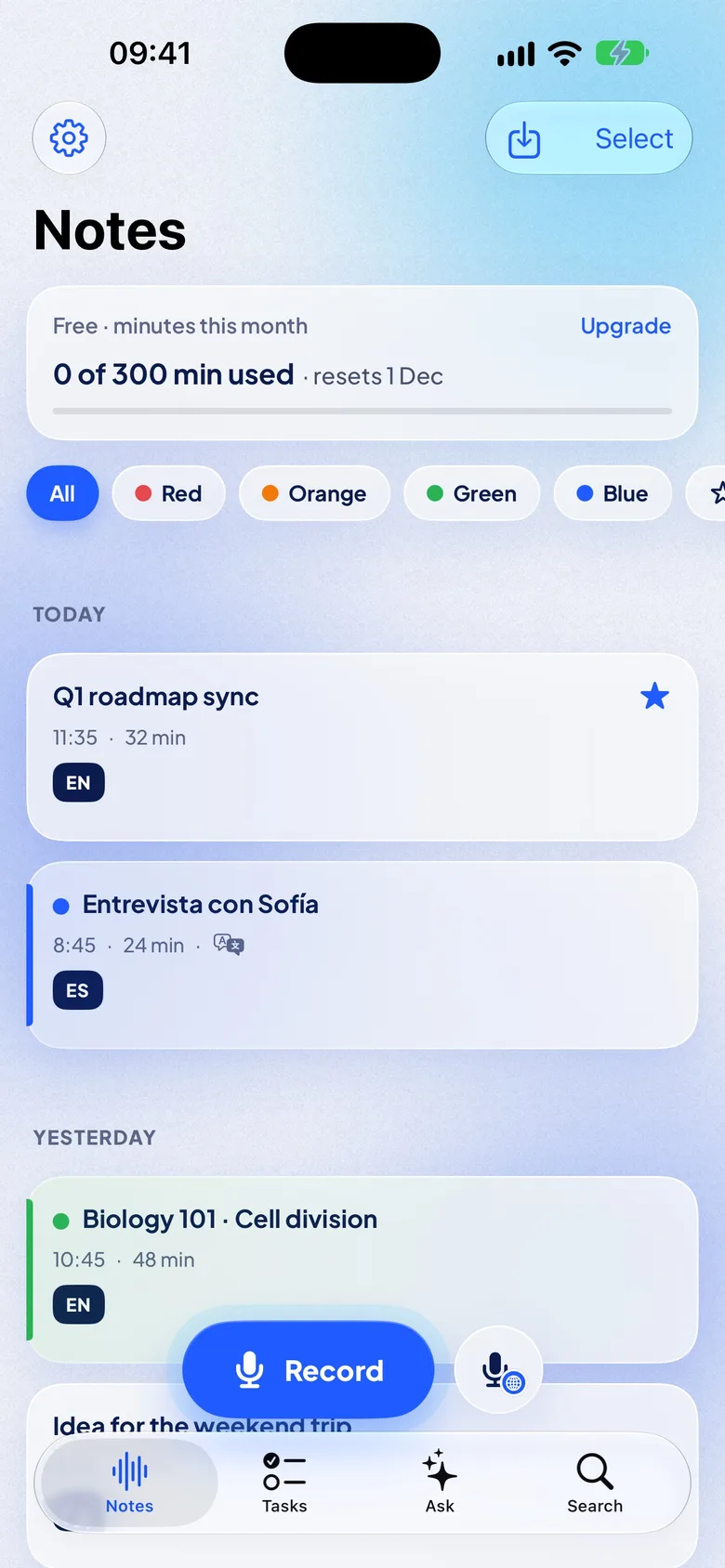
Out of minutes
You can still record
NotizPro saves the audio and marks the note “Not transcribed yet”. The transcript follows on the 1st of next month, or right away if you upgrade. Nothing is lost.
Free and Pro, side by side
| Free | Pro | |
|---|---|---|
| Minutes per month | 300 | Unlimited |
| Length of one recording | 30 min, then Part 2 | No limit |
| Imports | Up to 30 min per file | Unlimited |
| Live translation | — | Yes |
| Search, export, translate finished notes | Yes | Yes |