
Almost always one of five things: an iPhone older than iPhone 12, iOS older than 18, an unsupported language, an unsupported region, or a recording with no clear speech. Check them in this order. If all five are fine, update iOS, restart the iPhone and open the recording again.
First, look in the right place
The transcript has no tab of its own, so it is easy to miss. In Apple Community threads, several “transcript not showing” questions end with a link to Apple’s steps. Here they are:
- After recording: tap the recording in the list, tap the More button (•••), then View Transcript or Copy Transcript.
- While recording: swipe up from the top of the waveform, then tap the Transcription button (the speech bubble).
If View Transcript is in the menu, transcription works, and our guide on how to transcribe voice memos on iPhone gets you the text. If it is not, go on.
Model, iOS, language and region
| Requirement | What Apple requires | How to check |
|---|---|---|
| iPhone model | iPhone 12 or later | Settings > General > About > Model Name |
| iOS version | Apple documents the feature in its guides for iOS 18 and later | Settings > General > Software Update |
| Language | English (all variants), Spanish, Portuguese, Italian, French, German, Japanese, Korean, Simplified Chinese, Traditional Chinese | The language spoken in the recording |
| Region | Not available in all countries or regions | Apple’s iOS feature availability page |
Sources: Apple’s guide to viewing a Voice Memos transcription (iOS 27, with versions for iOS 26 and iOS 18) and iOS feature availability.
The model is the most common cause; the Apple Community thread linked below started on an iPhone 11 Pro Max. An iPhone 11 or an iPhone SE (2nd generation) runs iOS 27 but does not transcribe. Language is next: a memo in Dutch, Polish or Turkish, for example, is not on the list, even though Dutch and Turkish work with Apple Intelligence.
Check the recording itself
- It needs speech: Apple says Voice Memos transcribes a recording “if it includes recorded speech”. Music, a quiet room or a speaker far from the phone may give you nothing.
- Old recordings are transcribed when you open them: for a recording made on iOS 17 or earlier, open it and give Voice Memos time to finish before you leave the app.
- A long recording takes longer: Apple gives no time for this. If the transcript seems incomplete, close the recording, wait, and open it again.
- Mixed languages confuse it: a meeting that switches between a supported and an unsupported language will have gaps or wrong words in the unsupported parts.
The transcript is in the wrong language
Apple’s Voice Memos guide lists the 10 languages but describes no setting to choose one. In Apple Community, people describe the same pattern: the transcript seems to follow the language the iPhone is set to, not the one spoken. In an April 2025 thread, an iPhone 15 Pro Max set to English failed on German meetings; in a November 2024 thread, an iPhone set to English (US) failed on Portuguese memos. Neither thread has a confirmed fix.
For Notes, Apple is explicit: it transcribes only when the device language is one of the 10. What to try, in order:
- 1Check that the spoken language is one of the 10 in the table above. If it is not, no setting will make Voice Memos transcribe it.
- 2Add the spoken language in Settings > General > Language & Region > Add Language.
- 3For a test, make it the iPhone’s language (the first in the list), record a short memo in it and check the transcript. Switch back afterwards; this changes the language of the whole iPhone.
- 4If that is not practical, transcribe the audio in an app that lets you choose the spoken language, as below.
In NotizPro you pick the spoken language on the recording screen, and Transcribe again in a note’s menu redoes a transcript that came out in the wrong language.
When it says “Couldn’t transcribe audio”
Apple does not document this message. Users report it most often for old recordings. In a December 2025 thread on TidBITS Talk, an iPhone 13 owner on iOS 26.2 got it for recordings that were five to ten years old, and found no fix in the thread. Things to try, in order:
- 1Update to the latest iOS in Settings > General > Software Update.
- 2Restart the iPhone, then open the recording again and wait.
- 3Duplicate it: tap the recording, tap More, choose Duplicate, then open the copy. In an Apple Community thread, one user reported in January 2025 that the copy of an older recording got a transcript. Apple does not document this, so keep the original.
- 4If it still fails, transcribe the audio another way, below.
The transcript is missing in Notes
Notes has one extra rule. Apple says audio transcription in Notes works when the device language is set to one of the 10 supported languages. If your iPhone is set to, say, Dutch, a recording in English gets no transcript in Notes. Check Settings > General > Language & Region.
Apple adds that a missing Transcription button means the iPhone “doesn’t meet the minimum requirements or doesn’t detect a supported language”; see recording and transcribing audio in Notes. Deleting the audio in Notes deletes its transcript too, so copy the text out first if you want to keep it.
If nothing works: transcribe the audio another way
The audio is still fine, so get it out and transcribe it with another tool:
- 1In Voice Memos, tap the recording, tap More, tap Share, then Save to Files. You get an .m4a file.
- 2Open the file in a transcription app or service that accepts audio files.
- 3Check the text against the audio before you rely on it.
Many of those services process the audio on their servers, so read their privacy policy first.
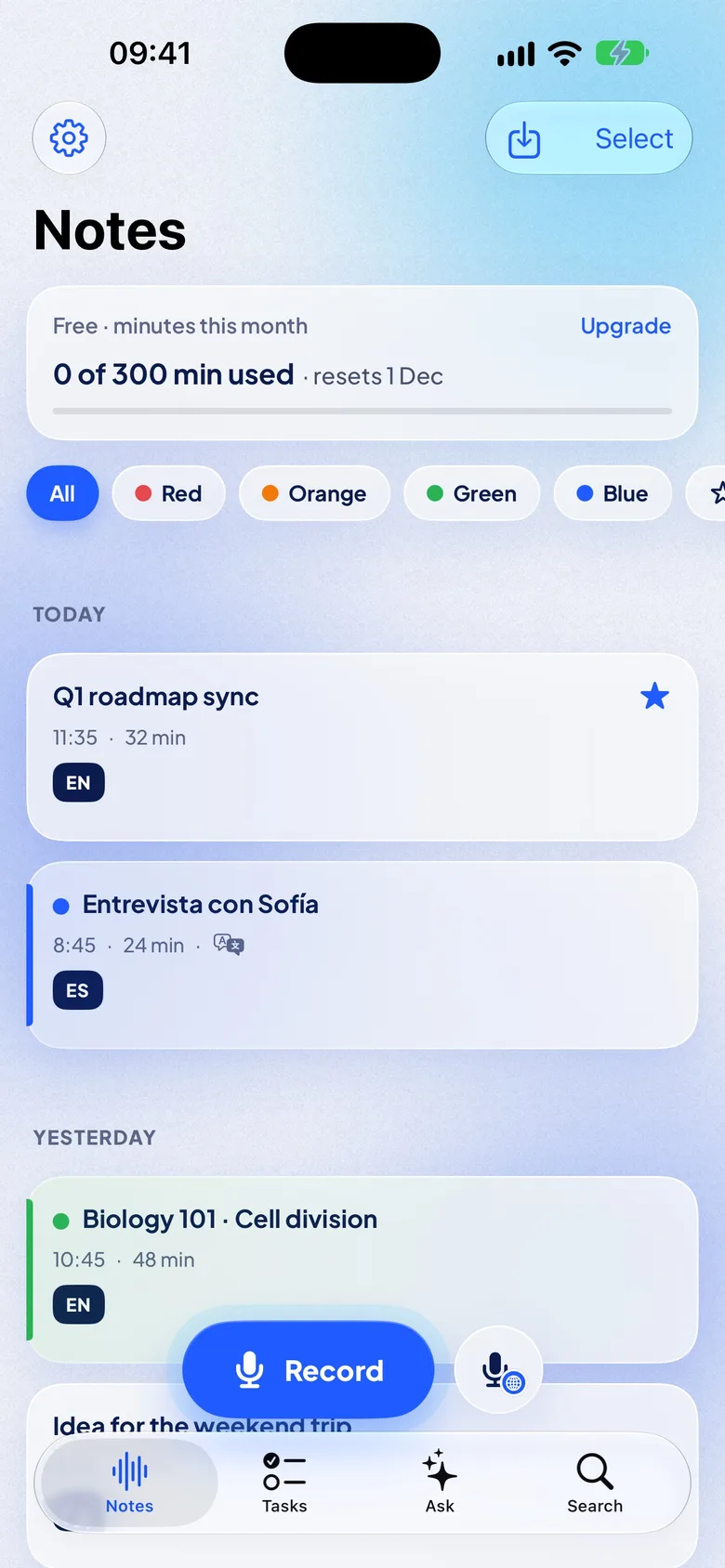
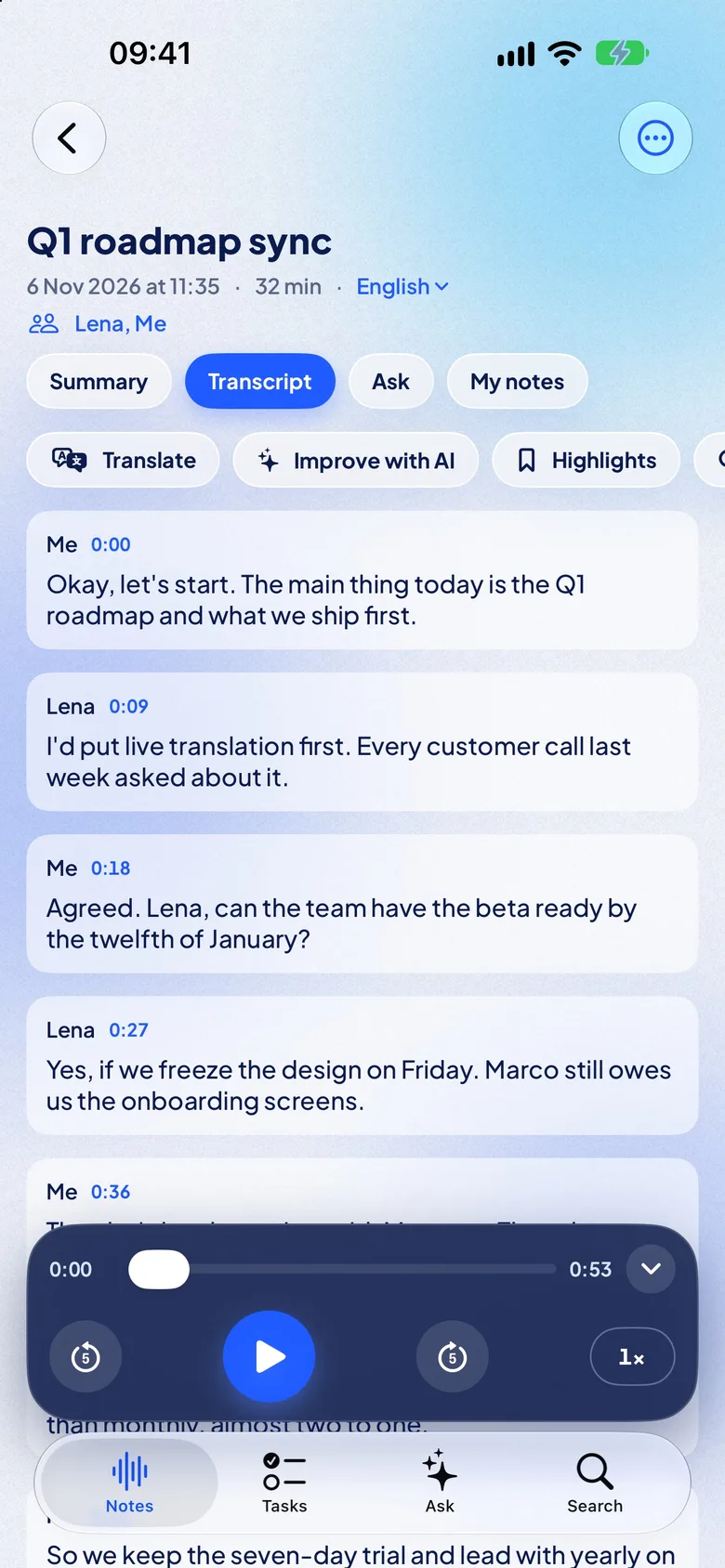
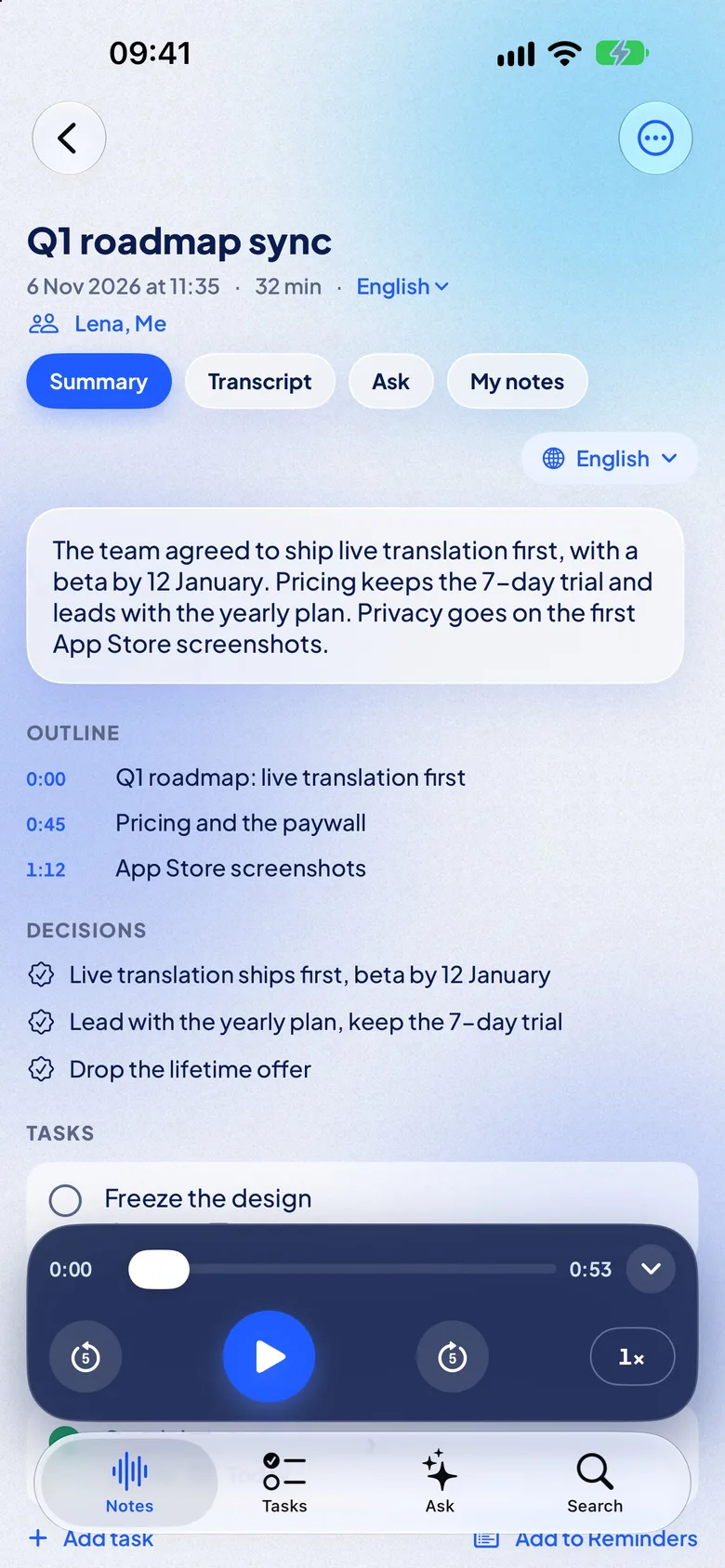
NotizPro, our app, skips the export: in Voice Memos, tap the recording, tap Share, then NotizPro. It transcribes on the iPhone, with no account, on iPhone 11 and newer with iOS 26, in 21 languages, among them Dutch, Polish, Ukrainian, Russian and Turkish, which Voice Memos does not transcribe. Twelve are built into iOS with nothing to download; the other nine need a one-time download, and Turkish, Swedish, Finnish, Malay and Vietnamese need an iPhone with 6 GB of memory or more. It also writes a free summary of the memo on the iPhone.
On Free, an import can be up to 30 minutes and counts toward the 300 minutes a month. For a longer memo, trim it first or use Pro.
FAQ
Why does my iPhone not have the Voice Memos transcript?
Usually because it is older than iPhone 12, runs a version older than iOS 18, or the recording is not in one of the 10 supported languages. Transcription is also not offered in every region.
Why does my iPhone 11 show no transcript?
Apple’s Voice Memos transcripts need iPhone 12 or later. Share the recording to an app that transcribes audio; NotizPro runs on iPhone 11 with iOS 26.
Why is the Voice Memos transcript incomplete?
Parts without clear speech, or in an unsupported language, come out empty or wrong. For a long or old recording, open it again later to let transcription finish.
Why does Voice Memos say transcription is in progress?
A long recording, or one made on iOS 17 or earlier, is transcribed after you open it, and Apple gives no time for it. Leave the recording open, or close it, wait and open it again.
Does Voice Memos transcription need an internet connection?
Apple’s guide does not say. If transcription fails, connecting to Wi-Fi and opening the recording again is a cheap test.
Why is Dutch or Polish not transcribed?
They are not among Apple’s 10 transcription languages, so Voice Memos and Notes do not transcribe them. NotizPro does: share the memo to NotizPro, which transcribes Dutch and Polish on the iPhone after a one-time download of its speech model.
Does Notes have the same limits?
Yes, plus one: Notes transcribes only when the iPhone’s language is a supported one.
Can I change the language of a Voice Memos transcript?
Apple describes no language setting in Voice Memos, and users report that the transcript follows the iPhone’s language. Make sure the spoken language is one of the 10, then test with it set as the iPhone’s language, or transcribe the memo in an app that lets you choose the spoken language.